
Check the notification path first
Confirm that eBay notifications are enabled in the eBay account, the mobile app, and the operating system. A saved search can be configured correctly while the phone or browser still blocks the final notification.
Also check whether the saved search still exists, whether email alerts are enabled, and whether messages are being filtered into spam or a promotions folder.
Open the saved search and test it manually
Run the exact saved search on eBay and inspect the newest results. If the search itself is too broad, the alert may be technically working but buried under irrelevant matches. If it is too narrow, there may be nothing new to send.
Remove unnecessary filters temporarily, then add them back one at a time. This makes it easier to identify the setting that is suppressing useful listings.
Use a broad phrase with focused filters
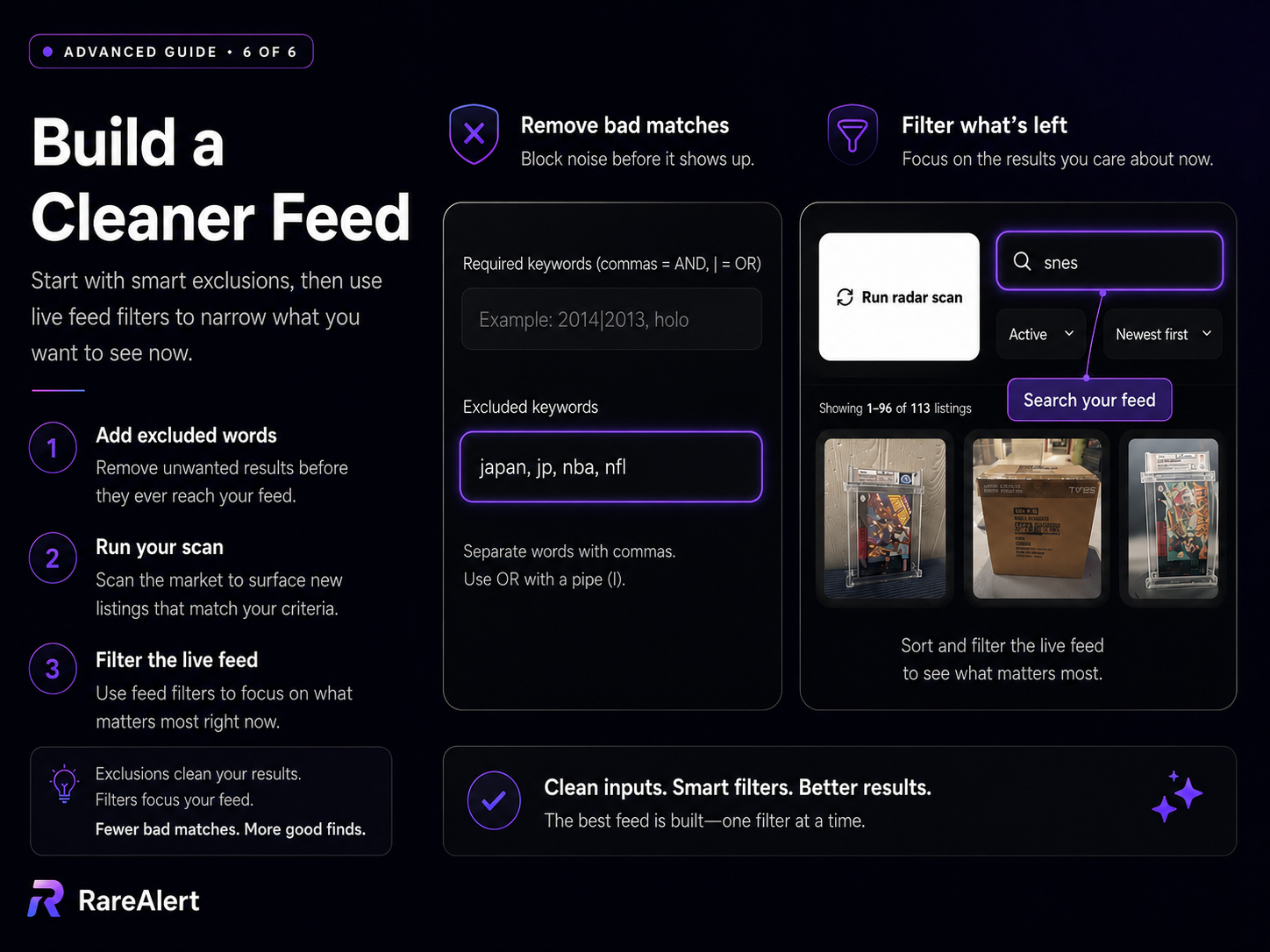
A reliable collector search usually starts with a clear eBay phrase, then uses required keywords, excluded keywords, grading, price, condition, and listing type to remove noise.
RareAlert keeps these controls separate, so you can improve the saved search without stuffing every rule into one fragile query string.
- Keep the main eBay phrase broad enough to find new inventory.
- Require the terms that identify the collectible you actually want.
- Exclude recurring junk such as reproductions, cases, manuals, parts, and unwanted regions.
- Use the New Listings feed to review what appeared since your last check.
When native eBay notifications still do not work
A separate monitoring workflow can make the search easier to audit. RareAlert shows the saved criteria, the matching listings, and the listings that are new, hidden, saved, ending soon, or reduced in price.
That does not guarantee every marketplace event will be immediate, but it gives you a visible feed instead of relying only on a notification that may or may not arrive.
RareAlert is designed around scheduled radar scans and collector-focused review, not second-by-second marketplace monitoring.