
Compare the saved search with a fresh eBay search
Open eBay in a new tab and run the same phrase manually. Match the category, condition, listing type, location, price, and sort order. If the manual search also has few results, the saved search may be working exactly as configured.
If the fresh search is much broader, inspect the saved filters for an old category, a strict condition, a narrow price range, or a phrase that became too specific.
Remove filters until the missing listings return
Temporarily widen the search. Remove the least important filter first, test again, and continue until the expected inventory appears.
Once you identify the restrictive rule, replace it with a more targeted required keyword or exclusion instead of rebuilding everything at once.
- Check category and region first.
- Confirm Buy It Now and Auction selections.
- Review minimum and maximum prices.
- Check graded-only, grading company, and grade range.
- Inspect required keywords for accidental AND logic.
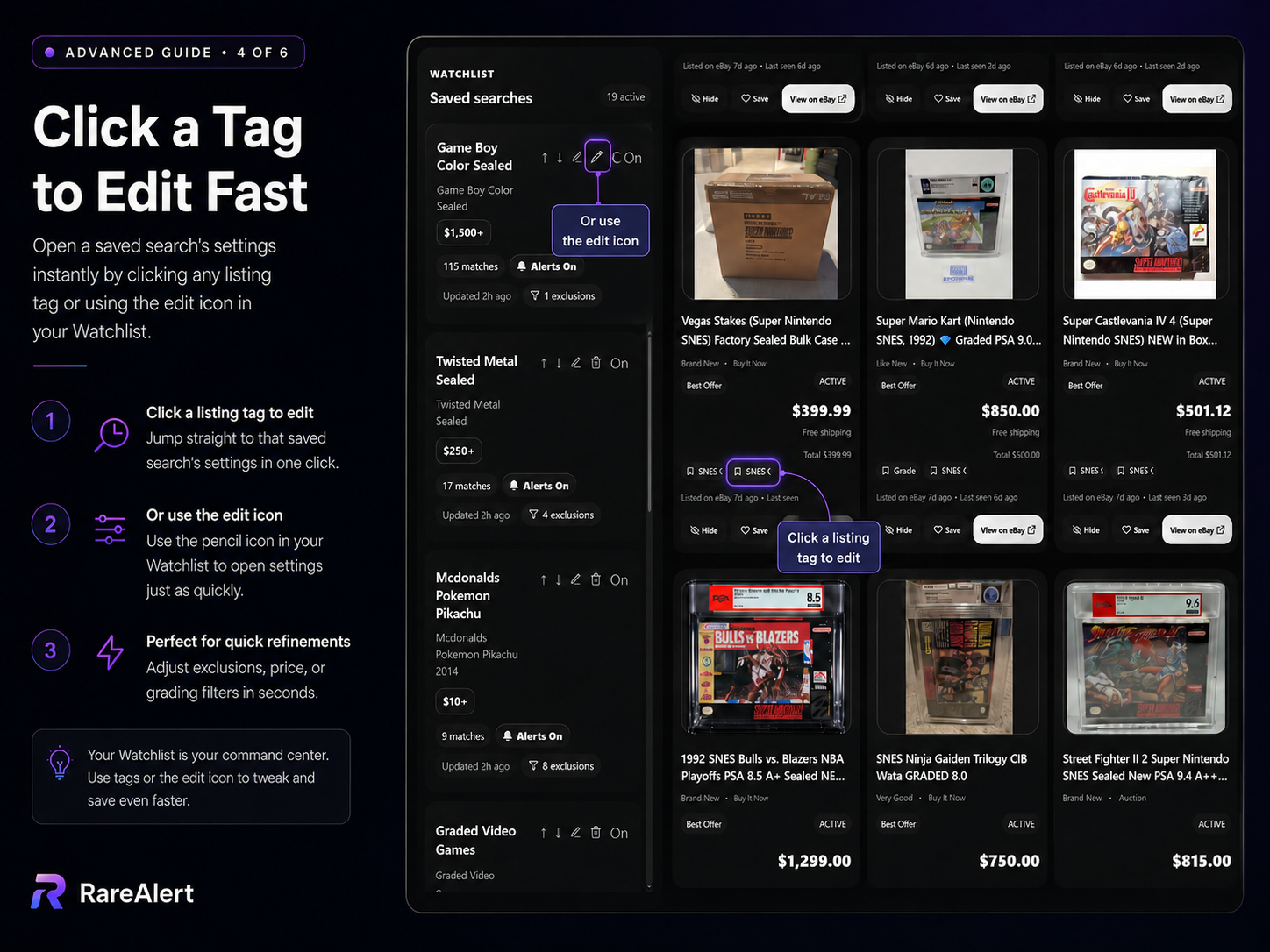
Edit the search from the matching listing
RareAlert attaches the saved-search tag to each matching listing. Clicking that tag, or the edit icon in the Watchlist, opens the search settings for quick refinement.
This is useful when a false match reveals exactly which exclusion, price rule, or grading filter should change.
Do not confuse a stale feed with a failed search
A search may still be active even when it has no unseen listings. Check All Listings to confirm that stored matches remain, then run the radar scan and review New Listings again.
If notifications are the only missing piece, troubleshoot the account and device settings separately from the search criteria.